Windows
How do I change the default browser on Windows 11?
Quick answer
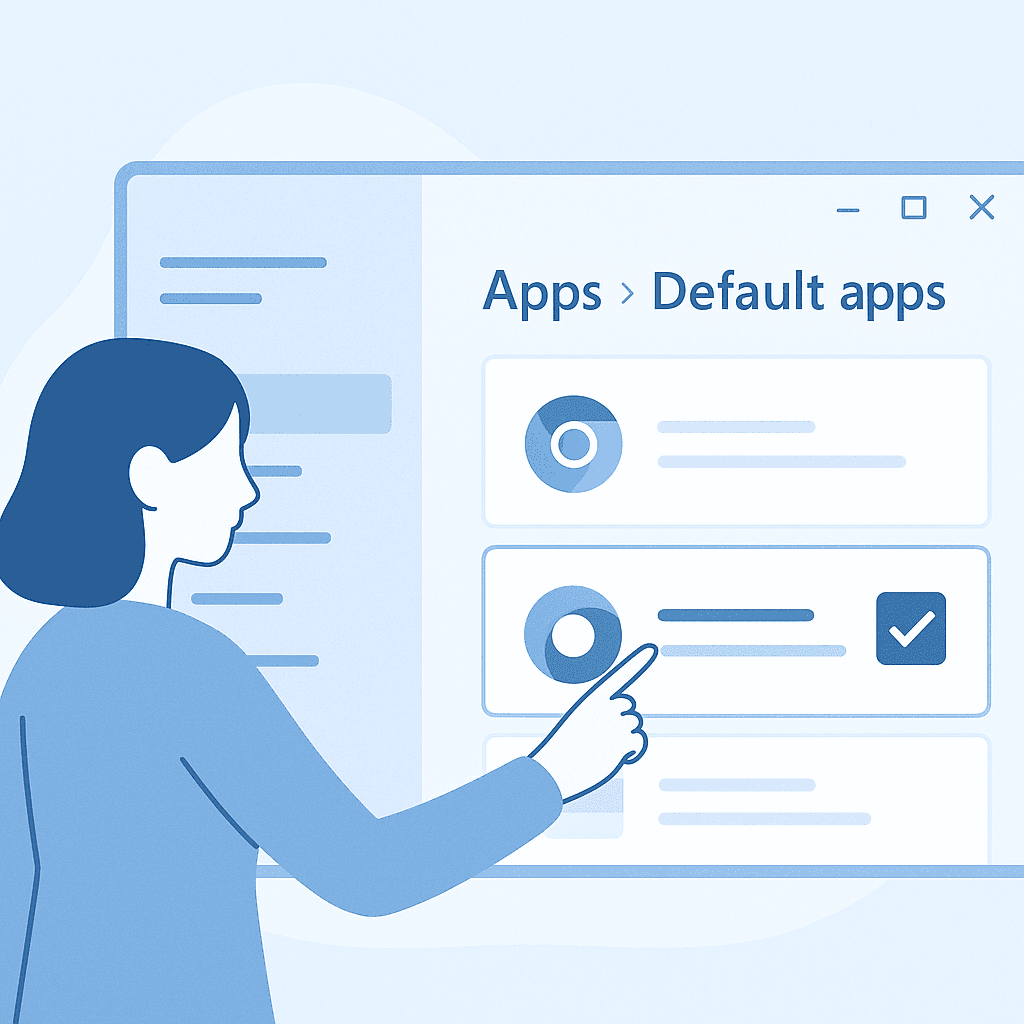
Open Settings, navigate to Apps > Default apps, find your preferred browser, and set it as the default for web-related file types and protocols.
Learn how to change your default web browser on Windows 11 to enhance your browsing experience.
Steps
- 1
Open Settings
Click on the Start menu and select 'Settings' or press Windows + I to open the Settings app.
- 2
Navigate to Apps
In the Settings window, click on 'Apps' from the sidebar.
- 3
Access Default Apps
Select 'Default apps' from the Apps menu.
- 4
Choose Your Browser
Scroll down to find your preferred browser and click on it.
- 5
Set as Default
Click on 'Set default' to make it the default browser for web-related file types and protocols. Ensure you manually set it for each file type and protocol if needed.
Introduction
Changing the default browser on Windows 11 allows you to open web links in your preferred application, enhancing your browsing experience and productivity.
Why Change the Default Browser?
Switching your default browser can offer better performance, enhanced security features, or a more intuitive user interface tailored to your needs.
Troubleshooting
If you encounter issues, ensure your browser is up to date and check for any pending Windows 11 updates.
Watch out for
- Some apps may still open links in their default browser regardless of system settings.
- Changes might not apply if there are pending Windows updates.
FAQ
Can I set different browsers for different tasks?
Yes, you can set different browsers for specific file types and protocols in the Default apps settings.
What if my browser is not listed?
Ensure the browser is installed correctly. If it's still not listed, try reinstalling it or updating Windows.
Does changing the default browser affect all user accounts?
No, changing the default browser only affects the current user account.