Printers
How do I fix paper jams?
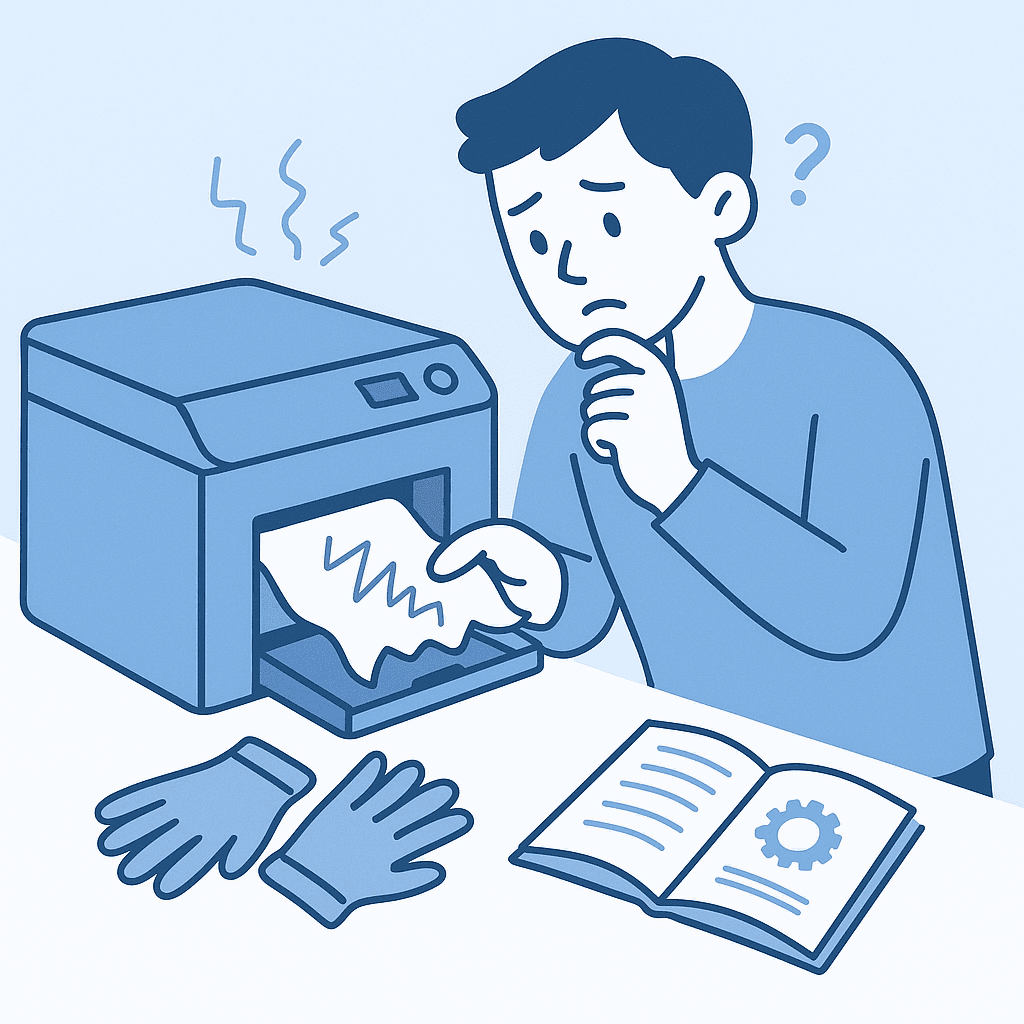
Quick answer
To fix paper jams, carefully remove the jammed paper from the printer, ensuring no torn pieces remain. Check the paper path and trays for any obstructions or misaligned components.
Paper jams can disrupt printing tasks and are often caused by improper paper loading or debris in the printer. Here’s how to resolve them effectively.
Steps
- 1
Turn Off the Printer
Before attempting to clear a paper jam, turn off the printer and unplug it to avoid any electrical hazards.
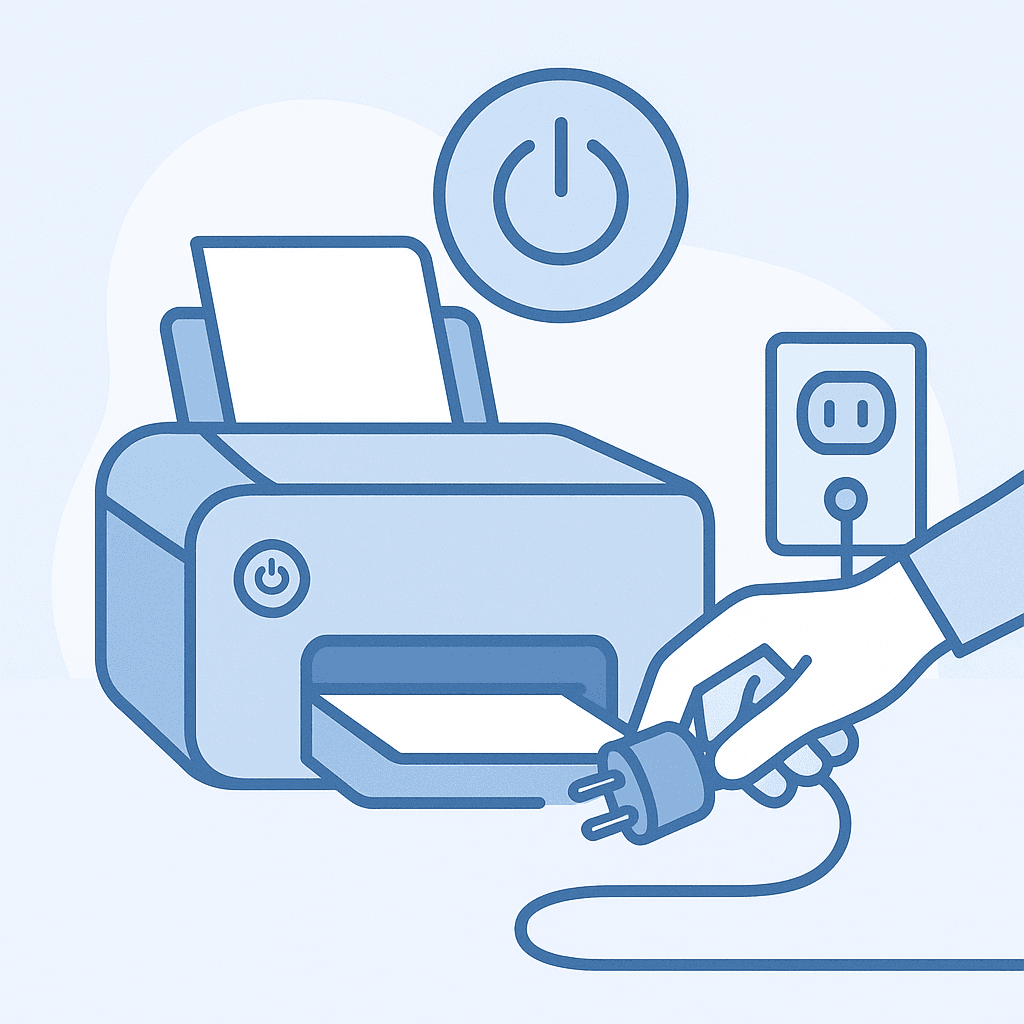
Always turn off and unplug the printer before fixing jams. - 2
Open the Printer Access Panel
Open the access panel or rear door of the printer to locate the jammed paper. The exact location may vary by printer model.
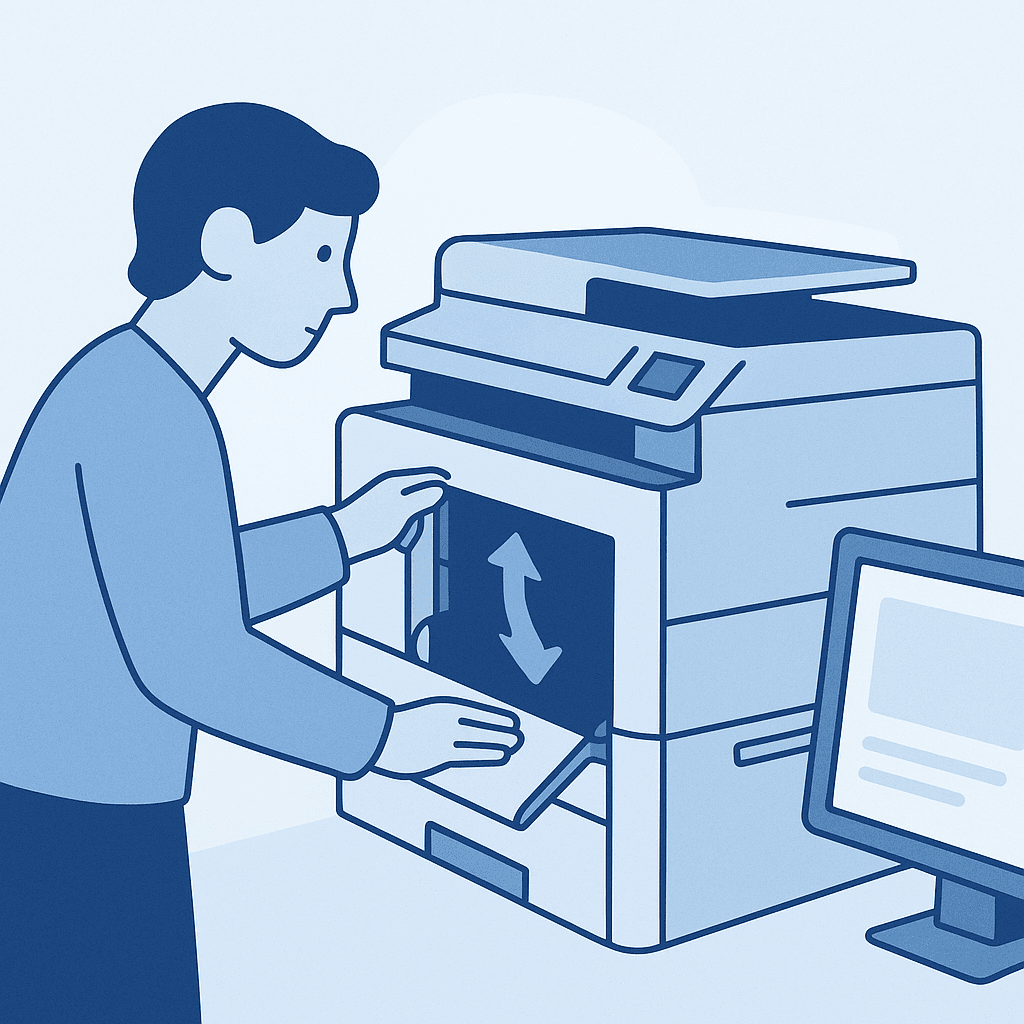
Open the printer access panel to locate the jammed paper. - 3
Remove the Jammed Paper
Gently pull out the jammed paper, ensuring you do not leave any torn pieces behind. If the paper is stuck, refer to the printer's manual for specific removal instructions.
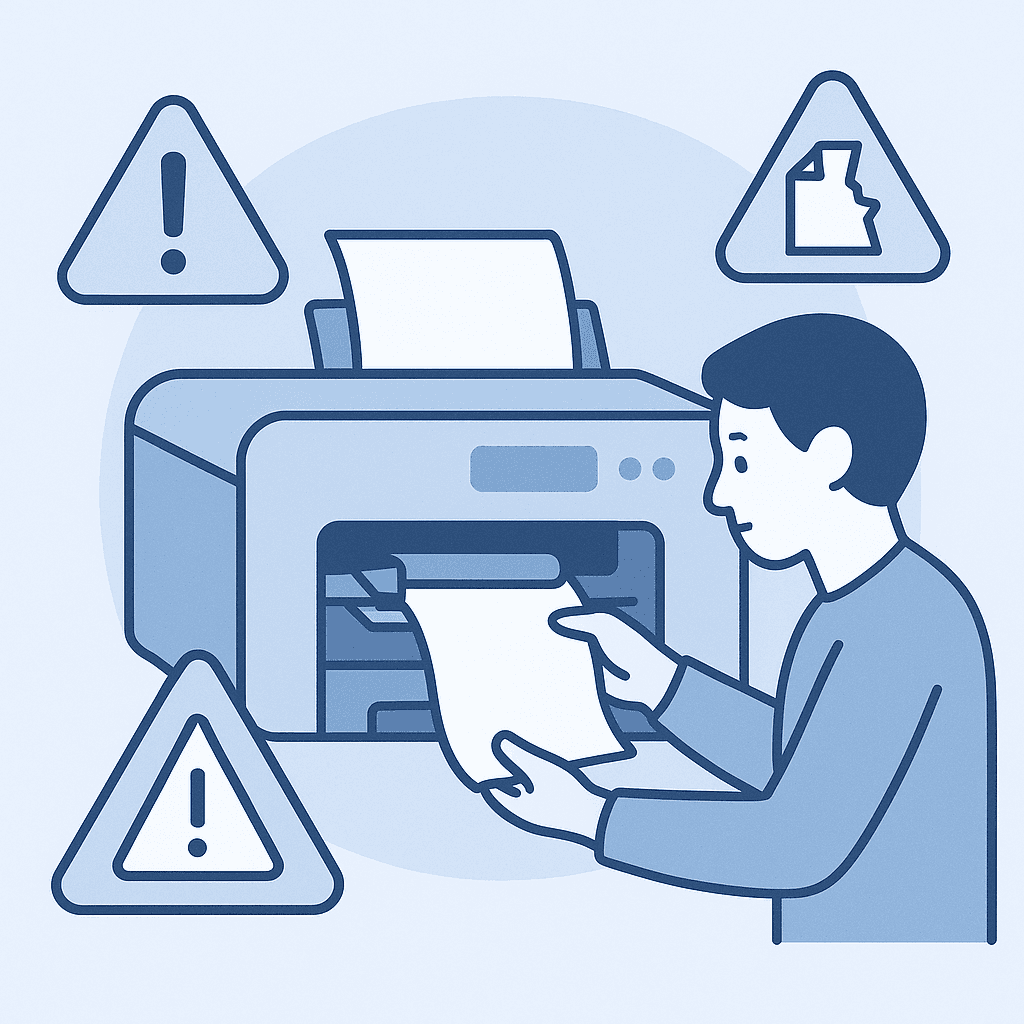
Remove the jammed paper carefully. - 4
Check for Obstructions
Inspect the paper path and trays for any debris or misaligned components that may cause further jams.
Common Causes of Paper Jams
Paper jams can occur due to various reasons such as using the wrong paper type, overloading the paper tray, or having debris inside the printer. Regular maintenance can help prevent these issues.
Preventive Measures
To reduce the likelihood of paper jams, ensure you use the recommended paper type, keep the paper tray properly filled without overloading, and regularly clean the printer's interior.
Watch out for
- Always refer to your specific printer model's manual for detailed instructions, as steps may vary.
FAQ
What should I do if the paper keeps jamming?
If paper jams persist, check for worn rollers or consider using a different paper type. Also, ensure the printer is on a flat, stable surface.
Can I use any type of paper in my printer?
No, using the wrong type of paper can lead to jams. Always refer to your printer's specifications for recommended paper types.
How often should I clean my printer to prevent jams?
It's advisable to clean your printer every few months or whenever you notice an increase in paper jams.