Smartphones
How do I free up storage on my phone?

Quick answer
You can free up storage on your phone by deleting unused apps, clearing cache, and transferring media files to cloud storage or an external device.
Freeing up storage on your phone involves managing apps, media, and system files effectively.
Steps
- 1
Delete Unused Apps (Android)
Go to Settings > Apps > Select the app > Uninstall.
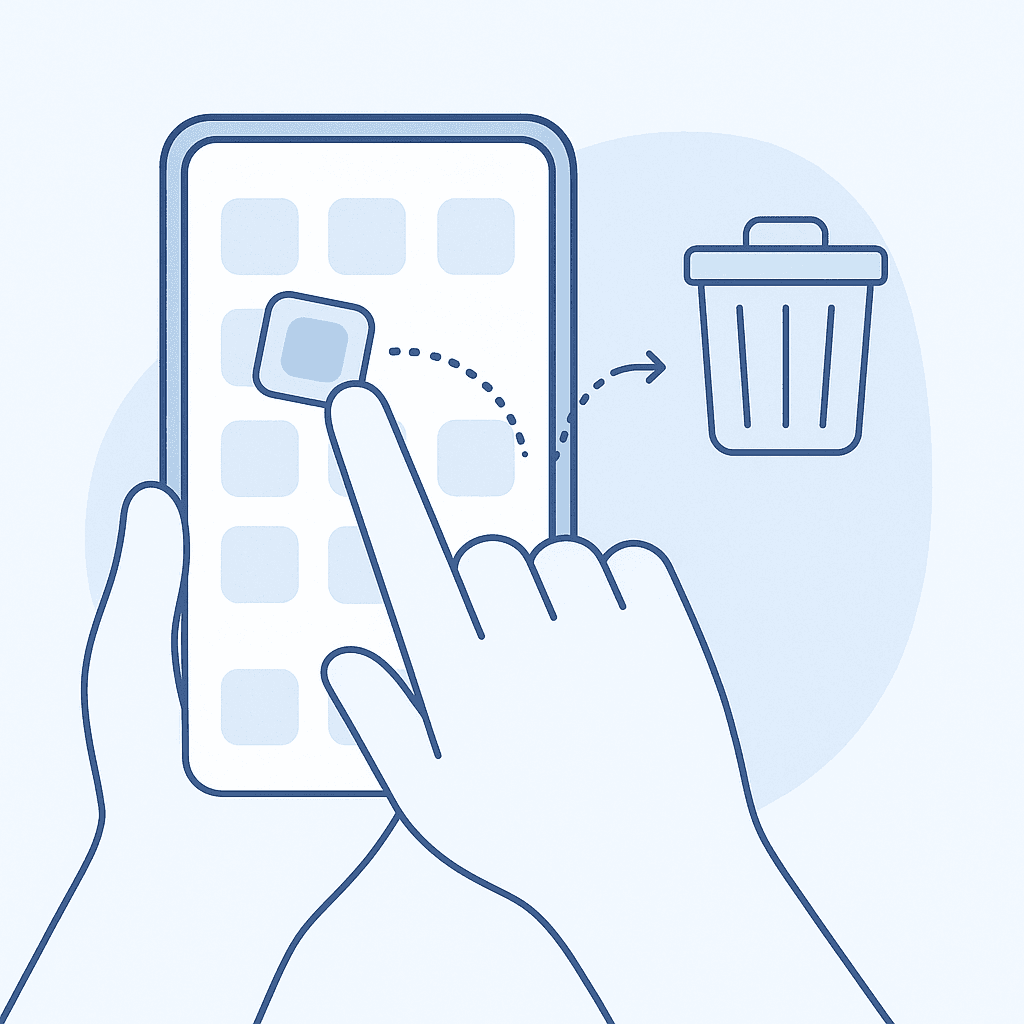
Uninstall unused apps - 2
Delete Unused Apps (iOS)
Press and hold the app icon until it jiggles, then tap the 'X' to delete.
- 3
Clear App Cache (Android)
Go to Settings > Storage > Cached data > Clear cached data.
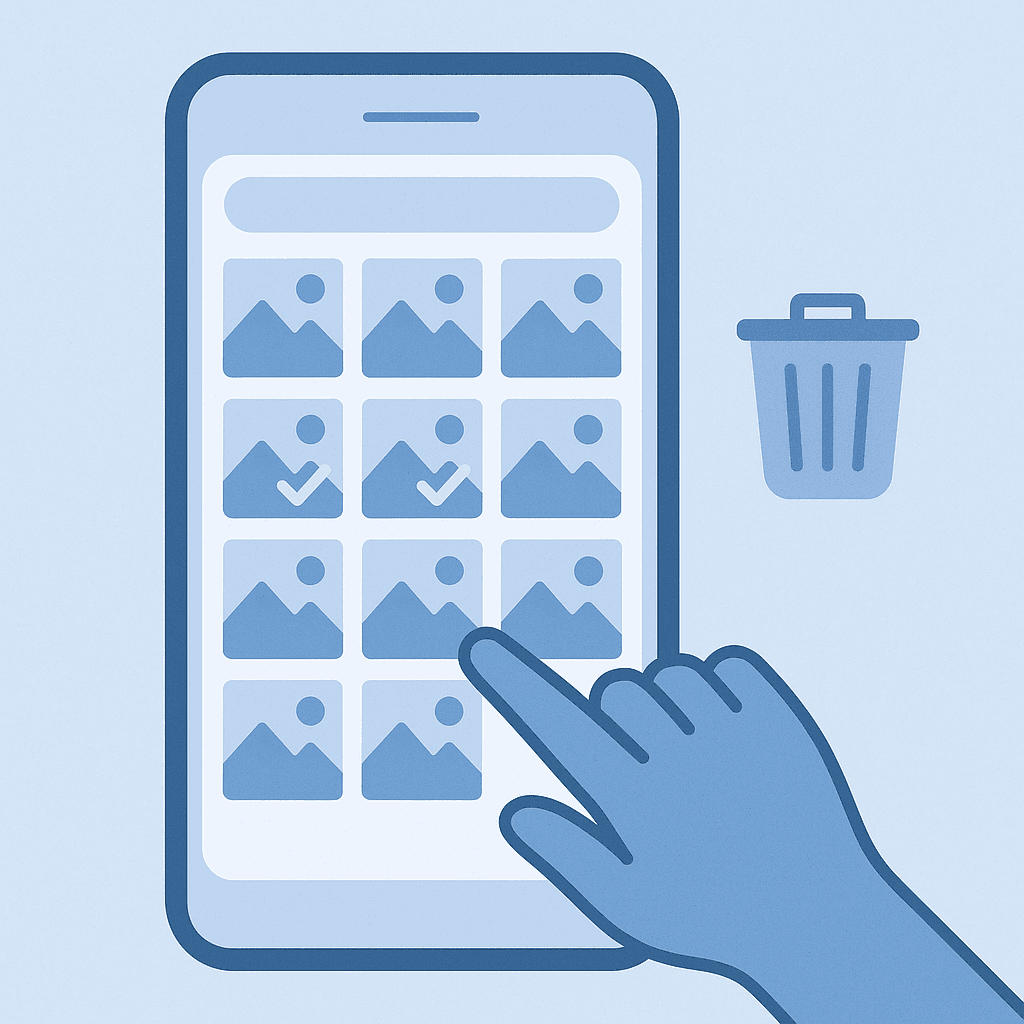
Delete unnecessary photos - 4
Transfer Media Files
Use cloud services like Google Drive or iCloud to upload your media files.
Delete Unused Apps
Go through your apps and uninstall any that you no longer use. This can significantly free up space.
Clear Cache
Apps often store temporary files that can accumulate over time. Clearing the cache can help recover storage without losing important data.
Transfer Media Files
Consider moving photos, videos, and music to cloud storage services or an external hard drive to free up local storage.
Watch out for
- Some apps may need to be reconfigured after clearing cache or uninstalling.
FAQ
Will deleting apps affect my data?
If you delete an app, you may lose data associated with it unless it's backed up.
How do I know which apps take up the most space?
You can check storage usage in Settings > Storage to see which apps are using the most space.
Is it safe to clear cache?
Yes, clearing cache is generally safe and can help improve app performance.