Storage
Why is my hard drive slow?
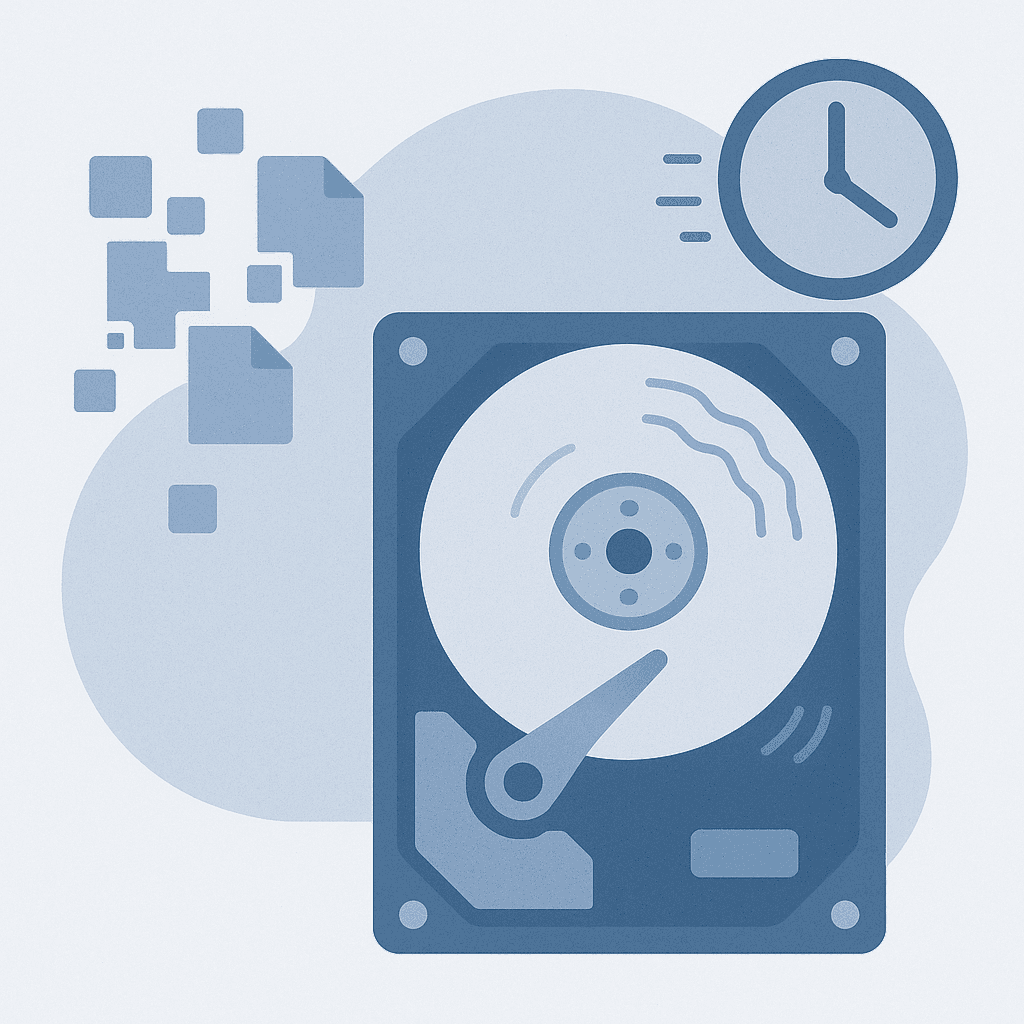
Quick answer
A slow hard drive can result from fragmentation, insufficient storage space, or hardware issues. Regular maintenance and monitoring can help improve its performance.
Identifying the causes of a slow hard drive allows you to take corrective actions to enhance speed and reliability.
Steps
- 1
Defragment Your Hard Drive (Windows 10/11)
Search for 'Defragment and Optimize Drives' in the Start menu, select your hard drive, and click 'Optimize'. Ensure the drive is not an SSD, as defragmentation is not needed for SSDs.
- 2
Check Disk for Errors (Windows)
Open Command Prompt as an administrator and type 'chkdsk C: /f' (replace C: with your drive letter) to check for errors. Be aware that this may require a restart to complete.
- 3
Free Up Space
Remove unnecessary files or use Disk Cleanup (Windows) or Optimize Storage (Mac) to free up space. Be cautious not to delete important files.
- 4
Monitor Drive Health
Use CrystalDiskInfo (Windows) or Disk Utility (Mac) to monitor the health of your hard drive. Regular checks can help identify issues early.
Fragmentation
Files can become fragmented over time, causing them to be stored in non-contiguous spaces on the disk, which slows down read/write operations.
Insufficient Storage Space
A nearly full hard drive can significantly slow down performance. It's recommended to keep at least 15-20% of the drive free.
Potential Hardware Issues
A failing hard drive may show slow performance. Use diagnostic tools to check for errors and assess the drive's health.
Watch out for
- SSDs do not require defragmentation and can be negatively impacted by it.
- Ensure backups are made before running disk checks or optimizations.
FAQ
How often should I defragment my hard drive?
For traditional hard drives, defragmenting once every few months is generally sufficient.
Can a slow hard drive affect my computer's overall performance?
Yes, a slow hard drive can cause longer load times for applications and files, impacting overall system performance.
What are signs of a failing hard drive?
Signs include unusual noises, frequent crashes, and slow file access times.