WiFi
How do I fix Wi-Fi connected but no internet on Windows 11?
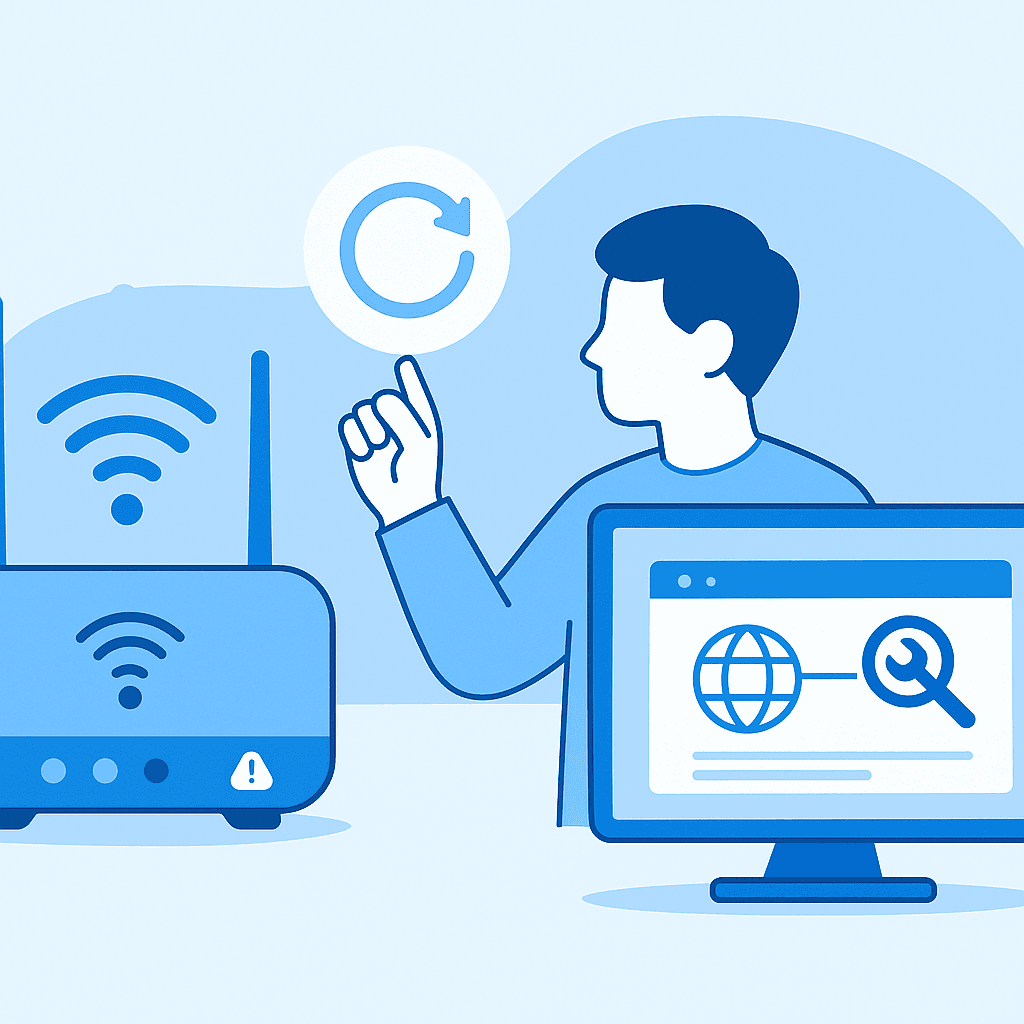
Quick answer
Restart your router and use the Windows Network Troubleshooter to diagnose and fix the issue. If the problem persists, consider resetting your network settings.
If your Windows 11 device is connected to Wi-Fi but lacks internet access, try restarting your router, running the Network Troubleshooter, and resetting network settings if necessary.
Steps
- 1
Restart Your Router
Unplug your router and modem, wait 10 seconds, then plug them back in to refresh the connection.
- 2
Run the Network Troubleshooter
Go to Settings > System > Troubleshoot > Other troubleshooters and select 'Internet Connections'.
- 3
Check Wi-Fi Network
Ensure you are connected to the correct Wi-Fi network and verify that the network is not experiencing outages.
- 4
Reset Network Settings
Navigate to Settings > Network & internet > Advanced network settings > Network reset, then restart your computer.
- 5
Update Network Drivers
Open Device Manager, expand 'Network adapters', right-click your network device, and select 'Update driver'.
Check Router and Modem
Restart your router and modem by unplugging them, waiting 10 seconds, and plugging them back in to ensure they are functioning correctly.
Use Network Troubleshooter
Utilize the Windows 11 Network Troubleshooter to identify and resolve connectivity issues. Access it via Settings > System > Troubleshoot > Other troubleshooters.
Reset Network Settings
If connectivity issues persist, reset your network settings. Navigate to Settings > Network & internet > Advanced network settings > Network reset.
Watch out for
- Network settings reset will remove all saved Wi-Fi networks.
- Menus may vary slightly with updates to Windows 11.
- Ensure your device is not in airplane mode.
FAQ
Why does my Wi-Fi say connected but no internet?
This can be due to router issues, incorrect network settings, or ISP outages.
How can I check if my ISP is down?
Visit your ISP's website or use a service like DownDetector to check for outages.
Will resetting network settings delete my saved Wi-Fi networks?
Yes, resetting network settings will remove all saved networks and passwords.